Arzopa D14 vs Skylight Frame 2 (10")
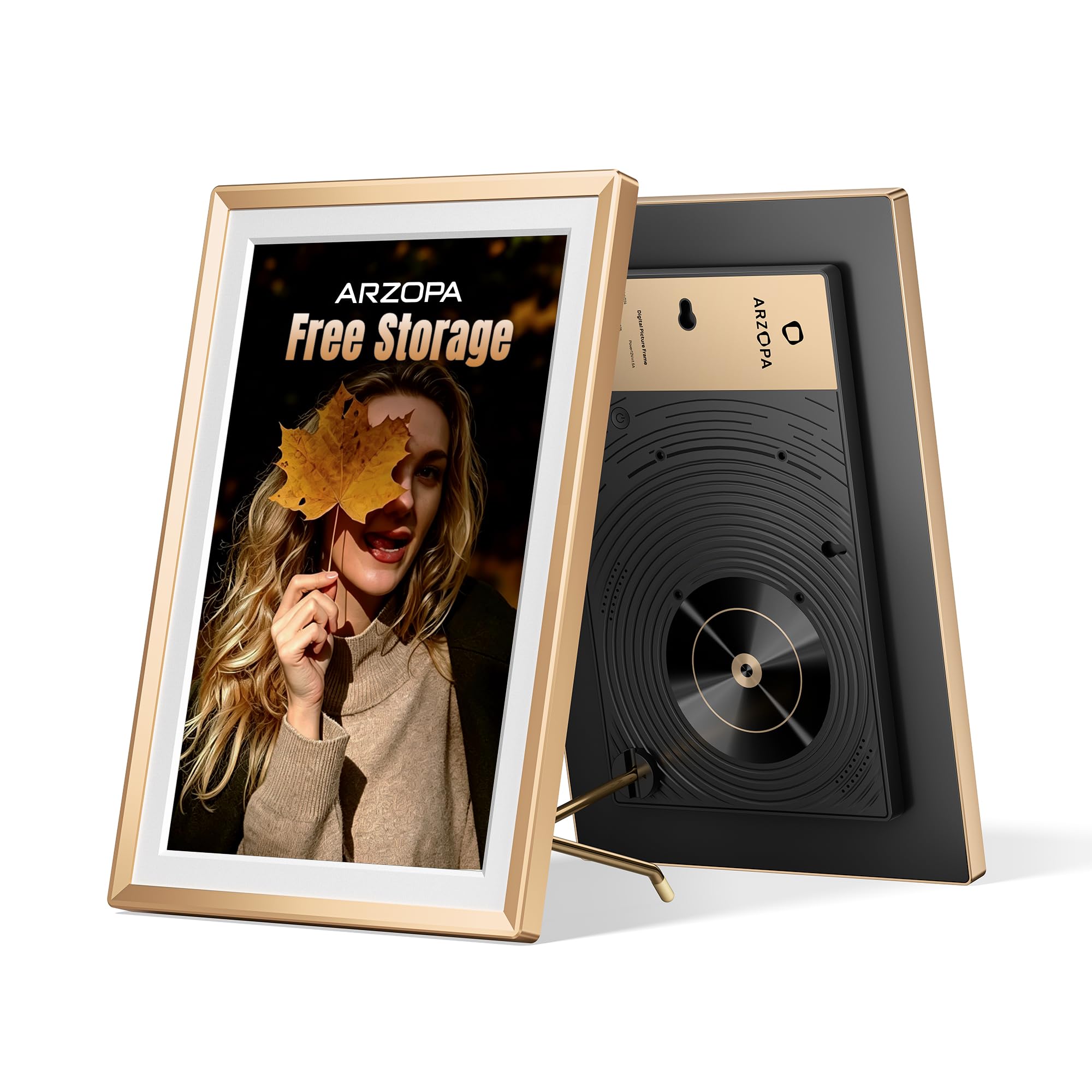
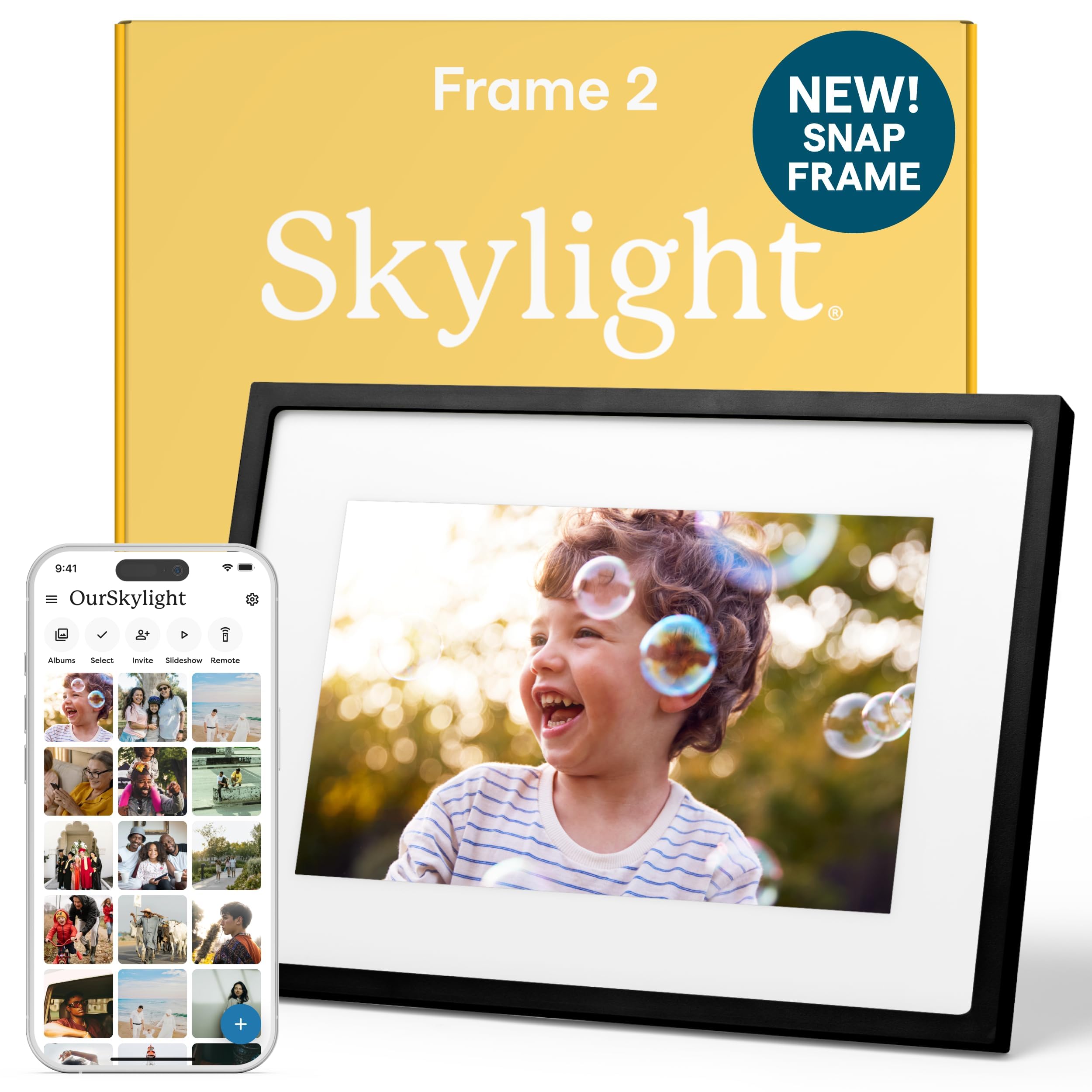
Skylight Frame 2 (10")
The short answer
Skylight Frame 2 (10") comes out ahead overall with 8.0/10 against 7.7/10 for the Arzopa D14. Arzopa D14 is stronger on display quality and size and value. Skylight Frame 2 (10") is stronger on ease of use for the grandparent, family photo sharing, reliability and offline behavior and privacy, security and safety. At current verified prices, the Arzopa D14 costs about $20.00 less.
- Choose the Arzopa D14 if: Grandparents with weaker eyesight who need bigger photos without paying Aura Walden prices.
- Choose the Skylight Frame 2 (10") if: Big families where some relatives would rather email photos than install an app, and the grandparent likes a simple touchscreen.
Scores by criterion
| Criterion | Arzopa D14 | Skylight Frame 2 (10") |
|---|---|---|
| Ease of use for the grandparent | 7.6Reviewed's Easiest Setup pick and preload is possible, but the menus are tablet-like and the overlay defaults on. | 8.6Simple touchscreen that can be preloaded before gifting (NBC Select). |
| Family photo sharing | 7.2Free app with QR and invite sharing; no email-to-frame. | 8.5Email-to-frame plus the app; video may need Plus because Skylight's pages conflict. |
| Display quality and size | 8.614-inch 1920x1200 low-glare screen with auto-rotate (Notebookcheck). | 8.21920x1200 at 10 inches; the touchscreen picks up fingerprints. |
| Reliability and offline behavior | 7.832GB internal plus USB/SD offline loading (Notebookcheck). | 8.316GB of on-frame storage keeps showing photos offline. |
| Privacy, security and safety | 6.5Smaller-brand app, not linked to Uhale; Arzopa promises 2 years of security updates; 1-year warranty. | 7.5Established brand; the old adapter recall covered Series I adapters only. |
| Value | 8.2$169.99 for 14 inches with no subscription. | 6.3$189.99, plus $39/yr for remote settings and likely for video. |
Specifications
| Spec | Arzopa D14 | Skylight Frame 2 (10") |
|---|---|---|
| Screen size | 14 in | 10 in |
| Resolution | 1920 x 1200 | 1920 x 1200 |
| Touchscreen | Yes | Yes |
| Orientation | Portrait or landscape (G-sensor auto-rotate) | — |
| On-frame storage | 32 GB | 16 GB |
| Shows photos without Wi-Fi | Yes | Yes |
| Email photos to frame | No | Yes |
| Sharing app/platform | Arzopa app (QR/invite sharing) plus USB/SD | Skylight email address + app + web |
| Paid plan notes | None | Skylight Plus $39/yr is required for remote settings and doodles. The product page says video is free, but the Frame 2 FAQ and manual say video and captions need Plus. |
| Warranty | 1 years | — |
Arzopa D14
Pros
- Large 14-inch low-glare screen
- 1920x1200 resolution with wide viewing angles
- 32GB storage and USB/SD offline loading
- Givers can preload photos and a message
- No subscription
Cons
- Date overlay is on by default and hard to turn off
- Stand can loosen
- Heavy at about 5 lb
- 1-year warranty
A good, reasonably priced way to get big photos in front of aging eyes. Set it up, turn off what you can, and tighten the stand before gifting.
Full Arzopa D14 review →Skylight Frame 2 (10")
Pros
- Email-to-frame plus app sharing
- Sharpest 10-inch screen in the lineup
- 16GB storage keeps photos showing offline
- Simple touchscreen
Cons
- Remote settings require Skylight Plus, about $39 a year
- Video and captions may need Plus too
- Touchscreen collects fingerprints
- Rests on one independent Frame 2 test
The best fit for big families with mixed tech comfort. Budget for the Plus plan if relatives will send video or you want to change settings remotely.
Full Skylight Frame 2 (10") review →Both products are part of our guide The Best Digital Frames for Grandparents of 2026, where you can see every pick, how we score and current prices from each retailer.