#1
Best Overall

Five digital frames that let a grandparent plug in, look and enjoy, while the family does the work of filling them with photos.
We may earn a commission when you buy through links on this page. Our editorial rankings are maintained separately from retailer relationships.
A good digital frame for a grandparent has one job: show new family photos without asking them to learn anything. The best ones are set up by the giver, fill themselves from relatives' phones or inboxes, and sleep and wake on their own.
The catch is that frames differ a lot in how they get photos, what happens when the Wi-Fi drops, and whether a subscription creeps in later. A frame that is perfect in a house with solid internet can sit blank in one without it.
We picked five frames to cover the main situations: a plug-in-and-forget gift, relatives who prefer email, a home with spotty internet, a grandparent who needs a bigger screen, and someone who would rather use a remote than a touchscreen.

Key specifications and differences across our recommended products.
| Product | Award | Score | Screen size | Resolution | Touchscreen | Orientation | On-frame storage | Shows photos without Wi-Fi | Lowest verified price |
|---|---|---|---|---|---|---|---|---|---|
| Aura Carver Mat 10" (AFM900-M series) | Best Overall | 8.1/10 | 10.1 in | 1280 x 800 | No | Landscape only (pairs portrait photos side by side) | — | No | $179.00 |
| Skylight Frame 2 (10") | Best for Email-Sending Relatives | 8.0/10 | 10 in | 1920 x 1200 | Yes | — | 16 GB | Yes | $189.99 |
| Pexar (Lexar) PX-110BLKNA 11" 2K | Best Value | 7.7/10 | 11 in | 2000 x 1200 | Yes | Portrait or landscape (auto-rotate) | 32 GB | Yes | $179.99 |
| Arzopa D14 | Best Large Screen | 7.7/10 | 14 in | 1920 x 1200 | Yes | Portrait or landscape (G-sensor auto-rotate) | 32 GB | Yes | $169.99 |
| Pix-Star LUX 10.4" | Best for Remote-Control Users | 7.2/10 | 10.4 in | 1024 x 768 (4:3, per Pix-Star spec page) | No | Portrait or landscape | 16 GB | — | $139.99 |
The plug-in-and-forget frame, if the Wi-Fi is solid
Full product review →
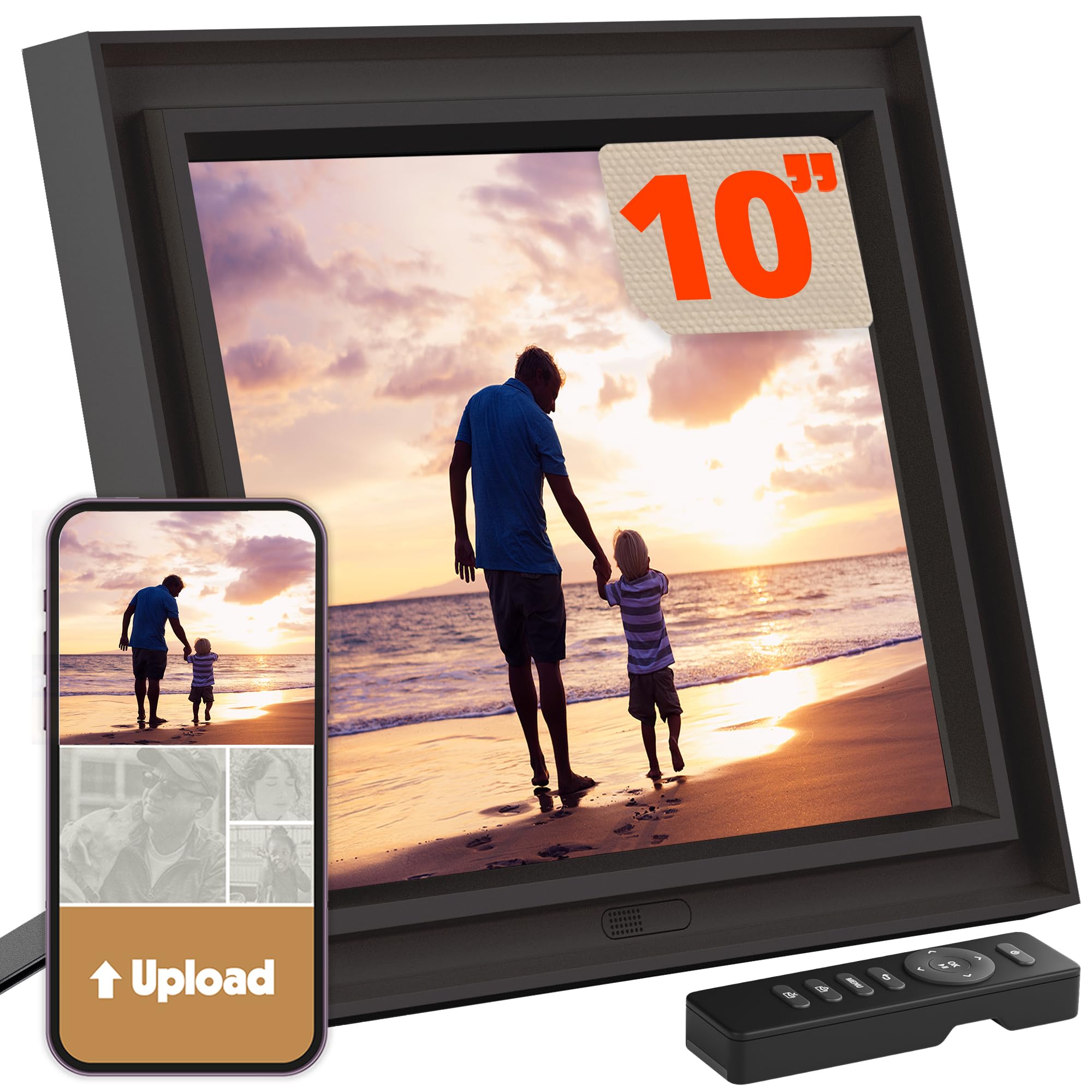
A 10.1-inch landscape frame with a paper-style mat. Family load photos from the Aura app, with free unlimited cloud storage and no subscription.
Engadget's 2026 guide names the Carver Mat best overall, and Forbes Vetted also lists it as a top pick. The appeal is that the family does everything: set it up, add photos from the Aura app, and the grandparent just plugs it in.
It sleeps when the room lights go off and adjusts brightness automatically, so there are no settings to touch. Aura's help center lists energy use of about 10 Wh awake and 2 Wh asleep.
Skip it if the grandparent's internet is patchy or runs only on 5 GHz. It has no local storage, so photos stop when the Wi-Fi drops.
Prices are checked periodically. Older amounts are labeled with their last verification date.
| Retailer | Price | Availability | |
|---|---|---|---|
| Walmart | $149.95 | Check at retailer | Check at retailer |
| Amazon Lowest | $179.00 | In Stock | View deal |
| Best Buy | $179.99 | Check at retailer | Check at retailer |
The best frame for relatives who would rather email photos
Full product review →
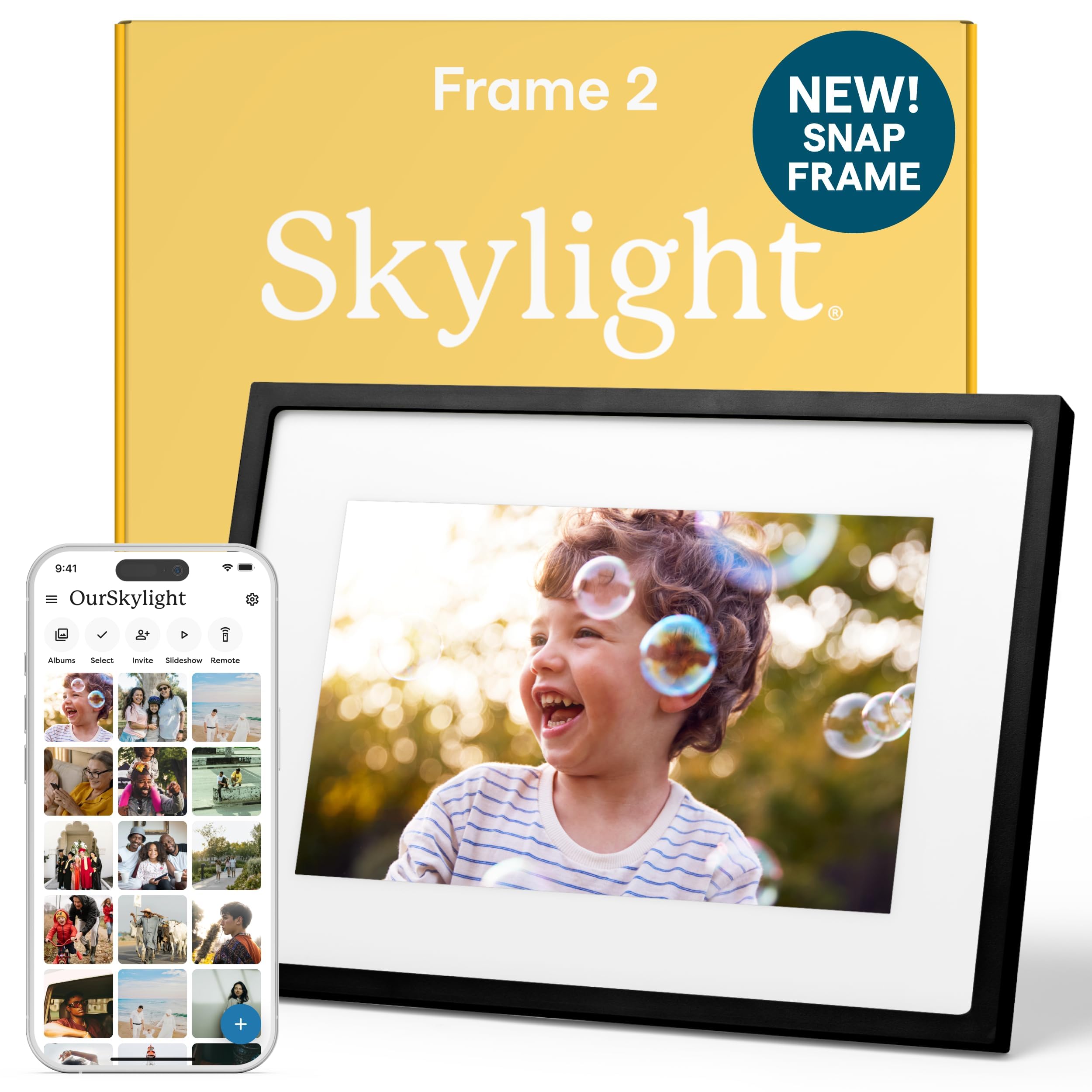
A 10-inch 1920x1200 touchscreen frame with its own email address, an app and 16GB of storage for offline playback.
NBC Select tested the Frame 2 in 2026 and says almost anyone could set it up. Its reviewer preloaded one for her parents. Tom's Guide, Windows Central and TechRadar praised the same email-to-frame platform on the original Skylight for non-tech-savvy users.
Each frame has its own email address, so a cousin can send a photo without installing anything. The screen is the sharpest at 10 inches in this lineup, and 16GB of storage keeps the slideshow running when Wi-Fi is down.
Skip it if you want zero ongoing cost and relatives will send video. Skylight's pages disagree on whether video needs the Plus plan, so confirm at checkout.
Prices are checked periodically. Older amounts are labeled with their last verification date.
| Retailer | Price | Availability | |
|---|---|---|---|
| Amazon Lowest | $189.99 | In Stock | View deal |
A sharp, subscription-free frame that works without internet
Full product review →
An 11-inch 2000x1200 anti-glare touchscreen frame on the Frameo app, with 32GB of storage and SD and USB slots.
TechRadar calls it its value pick and Tom's Guide ranks it 4th in its 2026 roundup, describing it as cloud-free. Photos live on the frame, so they keep showing with no internet at all, and no subscription is ever needed.
It auto-rotates between portrait and landscape. It runs the established Frameo app, not the Uhale platform that Quokka researchers linked to malware in 2025.
Skip it if you want relatives to send photos by email or without installing anything. Each sender needs the Frameo app.
Prices are checked periodically. Older amounts are labeled with their last verification date.
| Retailer | Price | Availability | |
|---|---|---|---|
| Best Buy | $139.99 | Check at retailer | Check at retailer |
| Amazon Lowest | $179.99 $199.99 | In Stock | View deal |
| Target | Check price at retailer | Check at retailer | Check at retailer |
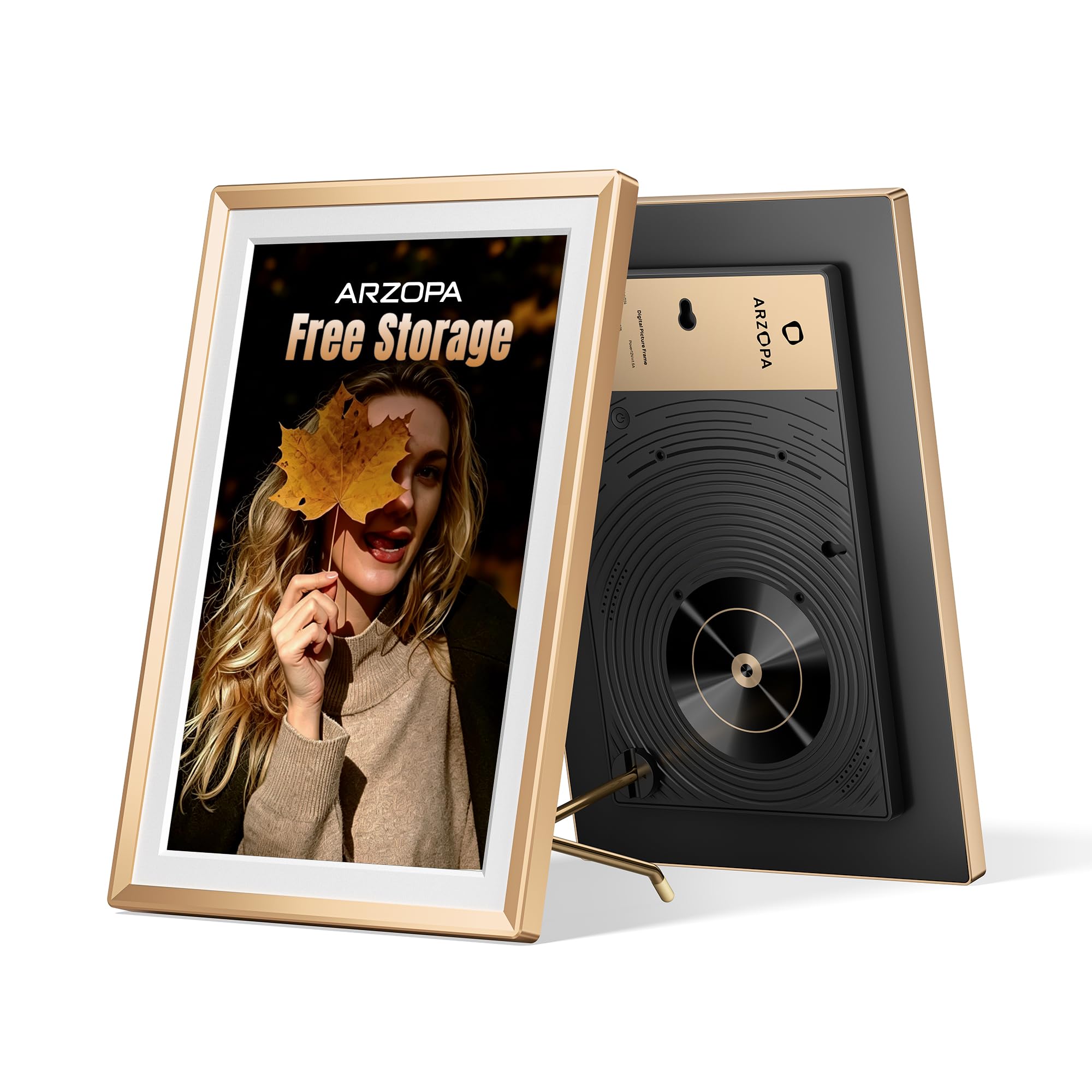
A 14-inch 1920x1200 low-glare touchscreen frame with a metal border, 32GB of storage and USB/SD loading.
Reviewed named it Easiest Setup and an Editor's Choice after its reviewer set it up with her parents. Notebookcheck's hands-on test measured 1920x1200 with 67% sRGB coverage on a low-glare matte screen with wide viewing angles.
Notebookcheck also confirmed offline loading by USB or SD and that givers can preload a message and photos before gifting. For a grandparent who struggles with small photos, the size is the point.
Skip it if the grandparent has never used a tablet. Notebookcheck says tablet-like menus may need help.
Prices are checked periodically. Older amounts are labeled with their last verification date.
| Retailer | Price | Availability | |
|---|---|---|---|
| Amazon Lowest | $169.99 | In Stock | View deal |
A remote-controlled frame for grandparents who dislike touchscreens
Full product review →
A 10.4-inch 4:3 frame operated with an included remote, with email, app and web sharing and a 2-year warranty.
It is the only pick controlled by a physical remote instead of a touchscreen. Pix-Star's spec page lists a per-frame email address, free cloud storage, free remote management, 16GB of storage plus USB and SD, dual-band Wi-Fi 6 and a 2-year warranty.
Free remote management means family can fix settings without visiting. It is the lowest priced frame here.
Skip it if screen sharpness matters. Its 1024x768 display is the softest in the lineup, and we found no independent test of this model.
Prices are checked periodically. Older amounts are labeled with their last verification date.
| Retailer | Price | Availability | |
|---|---|---|---|
| Amazon Lowest | $139.99 $219.99 | In Stock | View deal |
PickMetric's picks come from research across independent tests, manufacturer specs and owner feedback. We evaluated 12 frames and compared them on six criteria: ease of use for the grandparent (weighted most heavily), family photo sharing, display quality and size, reliability when Wi-Fi drops, privacy and safety, and value including any subscription.
Ease of use counts most because the person living with the frame is rarely the person who set it up. Offline behavior and safety carry less weight but can disqualify a frame for the wrong home. Every pick then went through a structured review in which it was challenged before publication.
We researched independent tests from Engadget, Tom's Guide, TechRadar, NBC Select, Reviewed, Notebookcheck and TechGearLab, then checked manufacturer spec pages, warranty terms and owner feedback. Frames were scored on recipient ease of use, family sharing, display quality, offline reliability, privacy and safety, and value.
Every pick was then challenged before publication, and the review changed the lineup. The Pix-Star LUX 10.4 was moved from third to fifth and relabeled, because no independent test of that model exists. The Pexar took the Best Value award instead. The Arzopa D14 stayed in after a second hands-on test confirmed its screen and offline loading, and its warranty was corrected to one year.
Skylight's conflicting statements about video and the Plus plan are reflected in the budget advice in its entry.
The best gift frames are configured by the giver. Look for preloading, a gift mode or a family app, so the grandparent only plugs it in.
App sharing is easy for relatives who will install it. Email-to-frame (Skylight, Pix-Star) suits relatives who will not. Check whether video is limited or needs a paid plan.
Cloud-only frames like the Aura go blank on photos when Wi-Fi fails. Frames with local storage (Skylight, Pexar, Arzopa, Pix-Star) keep the slideshow going. Also check Wi-Fi bands: the Aura supports only 2.4 GHz.
Bigger screens and higher resolution help aging eyes. Anti-glare finishes help in bright rooms, though matte touchscreens show fingerprints.
Some frames charge yearly for remote settings or video. Add that to the sticker price.
Touchscreen, remote or no controls at all. A grandparent who dislikes tablets may prefer the Aura's hands-off approach or the Pix-Star's remote.
Power safety is the main concern. A 2019 CPSC recall covered Skylight's first-generation power adapters sold in 2018 and 2019. It does not cover the Frame 2.
On software, the Pexar uses the established Frameo app rather than the Uhale platform that Quokka researchers linked to malware in 2025. We found no report tying Arzopa to those findings, and it commits to security updates for at least two years after launch.
On energy, Aura lists about 10 Wh awake and 2 Wh asleep, and it sleeps when room lights go off. The Pexar also has a sleep mode. Warranties vary: Pix-Star offers two years, while the Pexar and Arzopa D14 offer one.
Aura Aspen: Tom's Guide's best overall, but it is out of stock on Amazon and has no local storage. We would revisit it if it returns.
Aura Walden: a large premium frame that is sold out and costs far more. The Arzopa D14 covers the large-screen need.
PhotoSpring 10-inch: a strong budget, no-subscription frame, but it is out of stock.
Nixplay W10P: its free tier is capped at 500 MB and 15-second clips, so large families would need a paid plan.
Pexar Starlight 15: much pricier, and TechRadar notes cheaper frames perform as well.
Skylight Frame (older 10-inch): replaced by the Frame 2, which has a better screen.
Most need it to receive new photos. Frames with local storage, like the Pexar, Arzopa and Skylight, keep showing existing photos when it drops. The Aura does not.
The Aura Carver Mat asks the least of the grandparent. The Skylight Frame 2 is easiest if relatives want to email photos.
The Aura, Pexar, Arzopa and Pix-Star need none. Skylight's Plus plan, about $39 a year, is required for remote settings and likely for video; confirm at checkout.
Yes. Family-run setups work with all five, and the Arzopa lets givers preload a message and photos. With the Pexar, pair relatives' phones first.
Yes, with limits. The Pexar caps app videos at 15 seconds, and Aura video sound is limited to clips of up to 30 seconds. Skylight video may require Plus.
The 14-inch Arzopa D14, followed by the sharp 11-inch Pexar.
For most families, the Aura Carver Mat is the easiest way to get photos onto a grandparent's shelf, provided the home has steady Wi-Fi. If relatives would rather email photos, choose the Skylight Frame 2. If the internet is unreliable or you want no subscription, the Pexar 11 is the safer buy. Pick the Arzopa D14 for weaker eyesight and the Pix-Star LUX 10.4 for someone who prefers a remote. Whichever you choose, set it up and load the first photos before you hand it over.